![Asseti_logo_horiz_white_1000px_rgb.png]](https://help.asseti.co/hs-fs/hubfs/Asseti_logo_horiz_white_1000px_rgb.png?height=40&name=Asseti_logo_horiz_white_1000px_rgb.png)
Problem
You can't get into Asseti. Your password isn't accepted, a sign-in link or code doesn't work, or you see a message instead of your sites.
Solution
Start by checking you're using the sign-in your organization set up. Go to app.asseti.co, enter your email and click Continue. Asseti takes you to the right sign-in for your account.
If that doesn't help, check these causes:
- Your organization uses single sign-on (SSO): Sign in on your company's sign-in page with your company password. If it isn't accepted, contact your IT team.
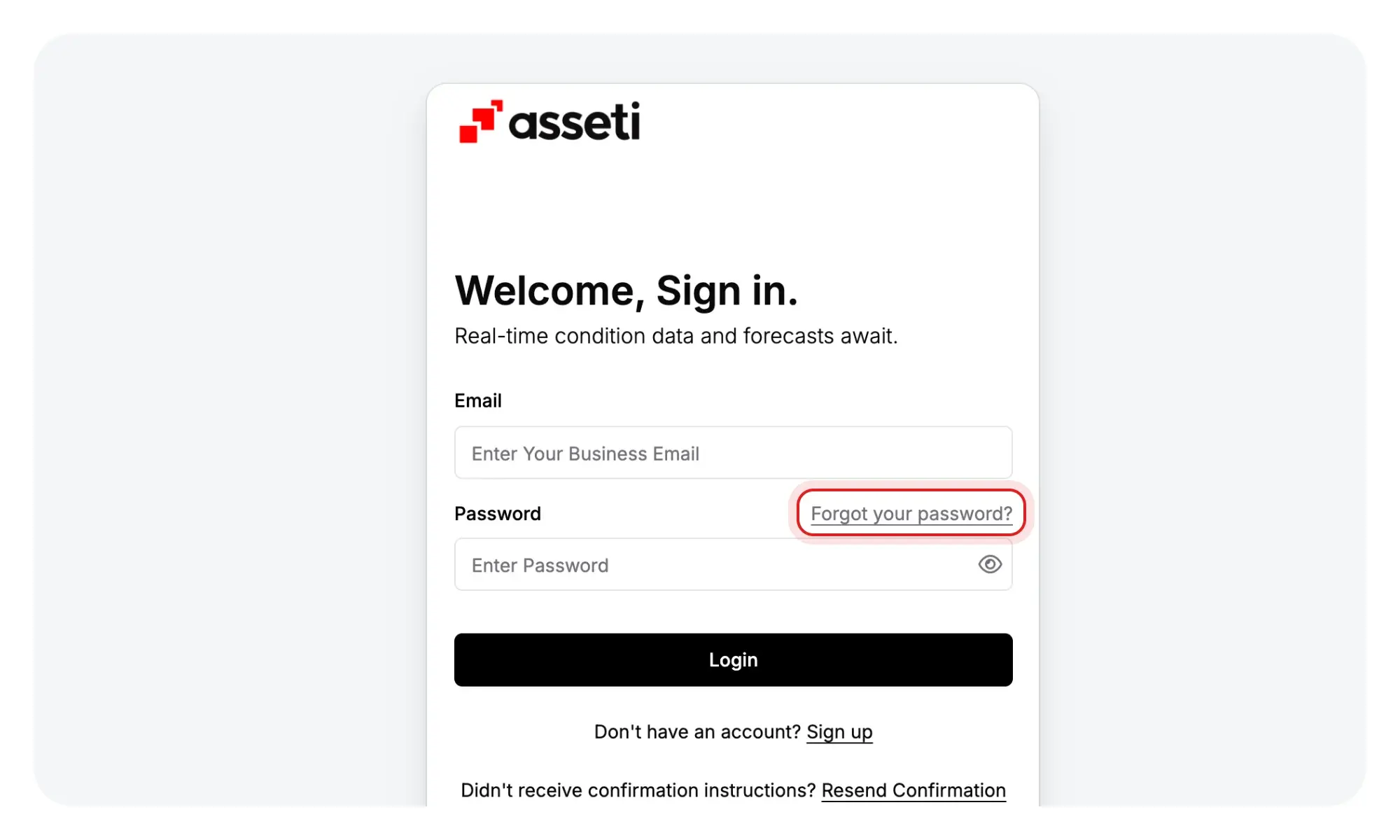
- You've forgotten your password: Click Forgot your password? on the password sign-in page. Check out Reset or change my password.
- Your sign-in link has expired: Links work for 30 minutes. Click Email me a sign-in link to get a new one.
- Your 2FA code didn't arrive or has expired: Codes also work for 30 minutes. Check your spam folder, then click Resend. If you've saved a phone number, you can also click Try another way.
- You haven't confirmed your email: Click Resend Confirmation on the password sign-in page.
- You see "Workspace Pending Approval.": Your new workspace is waiting for approval from Asseti. You'll get an email once it's approved.
If you've checked these and still can't sign in, contact your Asseti team or your organization's IT team. Live chat is inside Asseti, so it only works once you're signed in.
Need more help?
Contact your Asseti team. Once you're signed in, you can also use Live chat in Help & Support.
Related articles
2. Sign in to Asseti
Learn how to sign in to Asseti via the web app and the mobile app, using single sign-on, a password, or a sign-in link, so you can get to your sites quickly and securely.
Reset or change my password
Learn how to reset or change your password via the web app and the mobile app in Asseti, so you can get back into your account quickly and keep it secure.
Turn on two-factor authentication
Learn how to turn on two-factor authentication (2FA) via the web app in Asseti, so a code is needed each time you sign in and your account stays protected.