![Asseti_logo_horiz_white_1000px_rgb.png]](https://help.asseti.co/hs-fs/hubfs/Asseti_logo_horiz_white_1000px_rgb.png?height=40&name=Asseti_logo_horiz_white_1000px_rgb.png)
How do I sign in?
Your organization decides how its people sign in to Asseti. There are three ways:
- Single sign-on (SSO): Use your company sign-in, the same one you use for other work apps. Your Asseti team sets this up with your IT team. Your Asseti account is created the first time you sign in.
- Email and password: Use the password you chose when you accepted your invitation to Asseti.
- Sign-in link: Get a link by email instead of typing a password. This is only available where your organization uses sign-in links.
You don't need to know which one you use. Enter your email, and Asseti takes you to the right sign-in.
Web app
- Go to app.asseti.co in your browser.
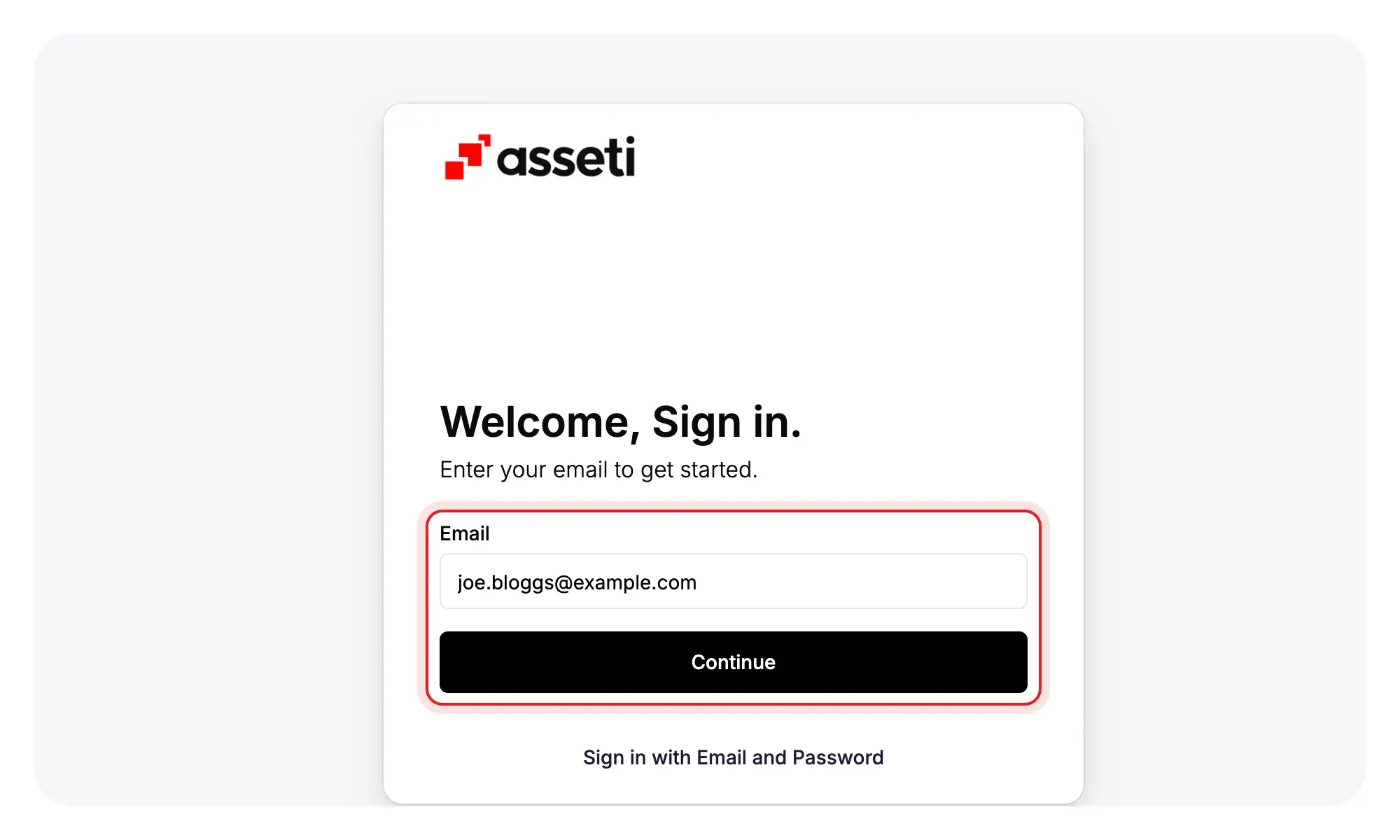
- Enter your work email in Email and click Continue.
- Sign in in one of the following ways:
- SSO: Sign in on your company's sign-in page when Asseti opens it.
- Password: Enter your password and click Login.
- Sign-in link: Click Email me a sign-in link, enter your email on the next screen, and click Email me a sign-in link again. Open the email, select the link, then click Sign in to Asseti.
- If two-factor authentication (2FA) is on for your account, enter the 6-digit code on the Verify Your Identity screen. 2FA is a second check that sends you a code by email, text message, or phone call.
Asseti opens on the Sites table or on the Map, depending on how your organization is set up.
Mobile app
- Open the mobile app.
- Enter your email and tap Continue.
- Sign in in one of the following ways:
- SSO: Tap Sign in with SSO.
- Password: Enter your password and tap Login.
- Sign-in link: Tap Email me a sign-in link. Open the email, select the link, then tap Sign in to Asseti.
- Enter your 6-digit code if Asseti asks for one.
Note: Sign-in links and 2FA codes expire after 30 minutes. If yours has expired, request a new one.
Tip: Forgotten your password? Check out Reset or change my password.
We recommend reading the Get started articles in order. Next, take a look around.
Next article: 3. Find your way around Asseti